
Warning: Array to string conversion in /home/robegxab/public_html/wp/wp-includes/shortcodes.php on line 434
RW PostViewStats Lite
Lightweight & Privacy-Friendly Post View Tracking for WordPress
Accurately track post, page, and custom post type views using AJAX —
no IP tracking, no bloat, performance first.
AJAX-Based View Tracking
Views are tracked asynchronously via AJAX requests, ensuring zero impact
on page load speed and Core Web Vitals.
Smart Duplicate View Prevention
Built-in 12-hour cookie-based protection prevents repeated views from
the same visitor, keeping your statistics accurate.
Privacy-Friendly by Design
No IP addresses, no personal data, and no user profiling.
Designed to be GDPR-friendly out of the box.
Developer & API Friendly
Includes shortcode support, REST API endpoints, and filter hooks —
perfect for custom themes and headless WordPress setups.
Lite Version Features (Free)
- AJAX View Counting
- 12-hour Duplicate Prevention
- Sortable Admin Columns
- Data Cleaner (by date or post)
- REST API Endpoint /wp-json/rwpsl/v1/views/{post_id}
- Shortcode Support Array
- Privacy Friendly (No IP tracking)
Upgrade to RW PostViewStats Pro
- Multisite Support
- Advanced Analytics & Charts
- CSV Export
- View Milestone Notifications
- Enhanced CPT Support
- Performance Optimizations
Unlock powerful analytics and scaling features for professional sites.
Display Views with Shortcode
[rwpsl_post_views ]
REST API Endpoint
GET /wp-json/rwpsl/v1/views/{post_id}
Fetch view counts programmatically for headless or external applications.
Privacy & Performance First
- No cookies for tracking identity
- No IP or personal data stored
- Minimal database footprint
- AJAX-based async requests
Screenshots
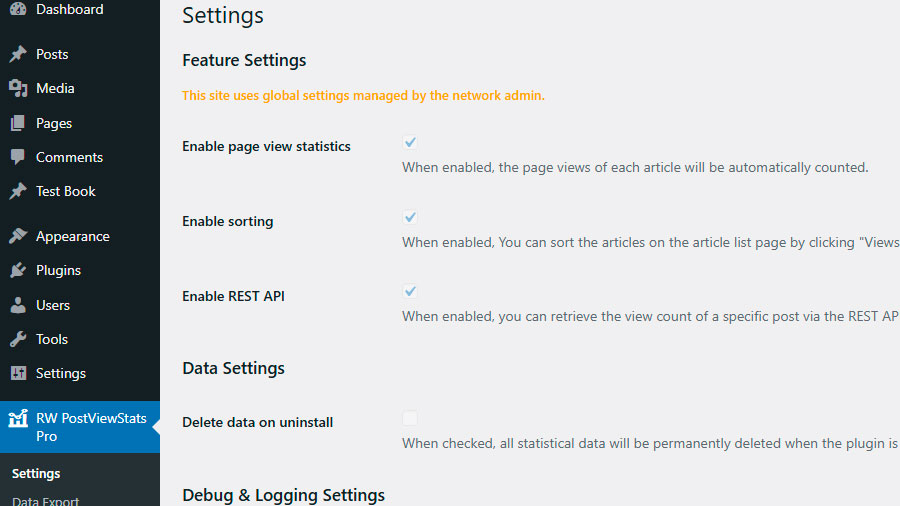
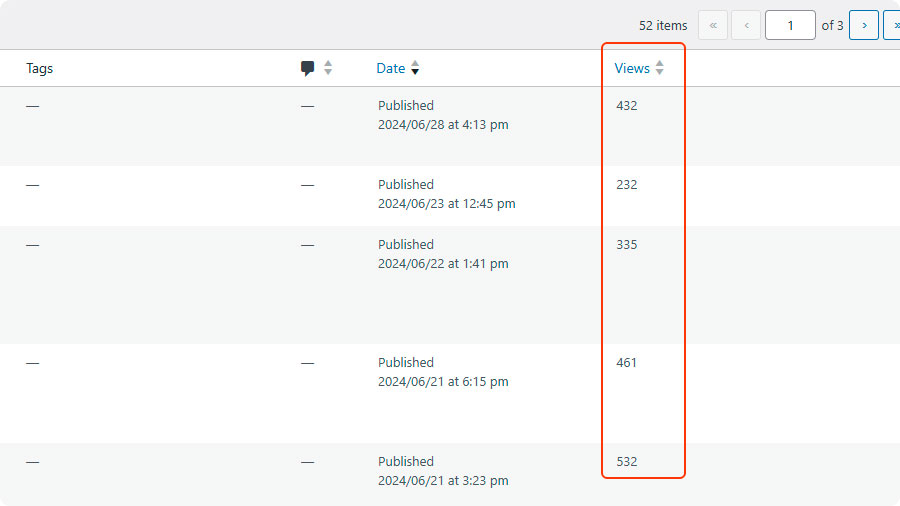
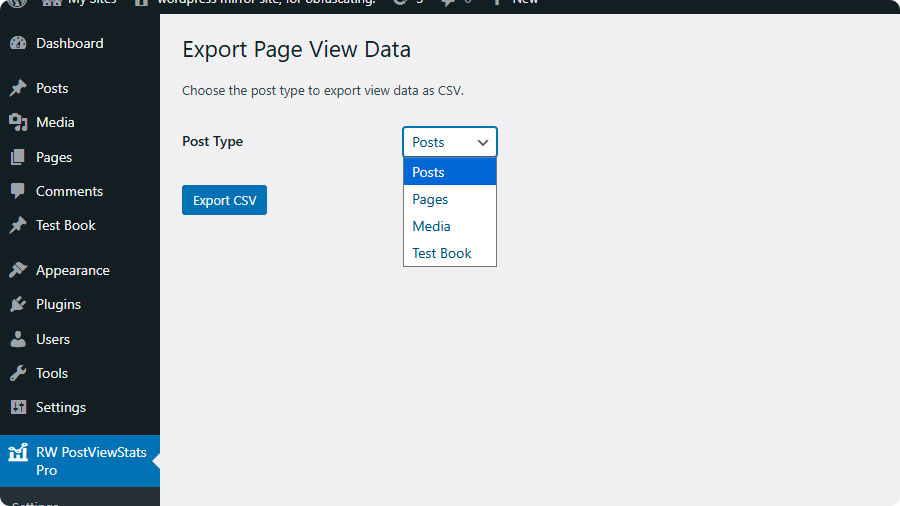

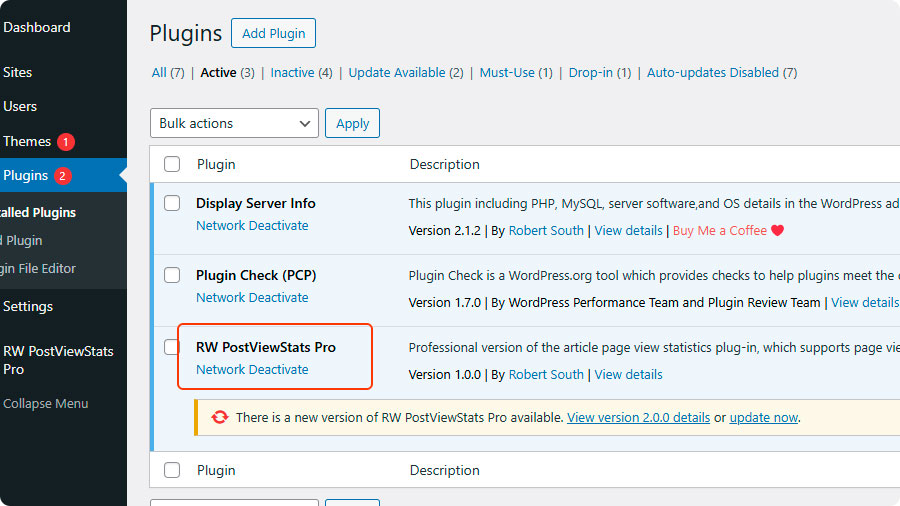
Frequently Asked Questions
Answers to the most common questions about RW PostViewStats Lite.
Q1. Can this plugin track custom post types?
A:
Yes. By default, it tracks the **'post'** and **'page'** types. You can add support for any custom post type using a filter hook in your theme or another plugin:

add_filter('rwpsl_supported_post_types', function($types) {
    $types[] = 'your_custom_post_type';
    return $types;
});
Q2. How are duplicate views prevented?
A:
The plugin uses browser cookies to ignore repeat visits from the same user for 12 hours.
Q3. What data does the plugin collect?
A:
The plugin only stores post view counts in your WordPress database. It uses a cookie to prevent duplicate counting but does not collect any personal information or IP addresses.
Q4. What are the system requirements?
A:
Tested with:
WordPress 6.6 to 6.8
PHP 8.2 to 8.4
MySQL 5.7 to 8.0
Q5. How can I display view counts on my site?
Warning: Array to string conversion in /home/robegxab/public_html/wp/wp-includes/shortcodes.php on line 434
A:
You can use the shortcode Array in posts/pages/widgets, or use the provided REST API endpoint.
Q6. Does this plugin support WordPress Multisite?
A:
Multisite support is available in the Pro version. The Lite version works on single WordPress installations.
Q7. How to add translations?
A:
Copy /languages/rw-postviewstats-lite.pot and create your translation files. Submit your .po file to help improve the plugin.
Get Started in Minutes
Install from WordPress.org
Activate the plugin
(Optional) Configure settings
About the Developer
 Hi, I’m Cassian Wu.
I build lightweight and reliable WordPress plugins designed to solve real problems without unnecessary complexity.
If you find Display Server Info helpful, your support means a lot and helps keep this project actively maintained.
Support the development of RW PostViewStats Lite.
If this plugin has helped you, your small contribution keeps it actively maintained.