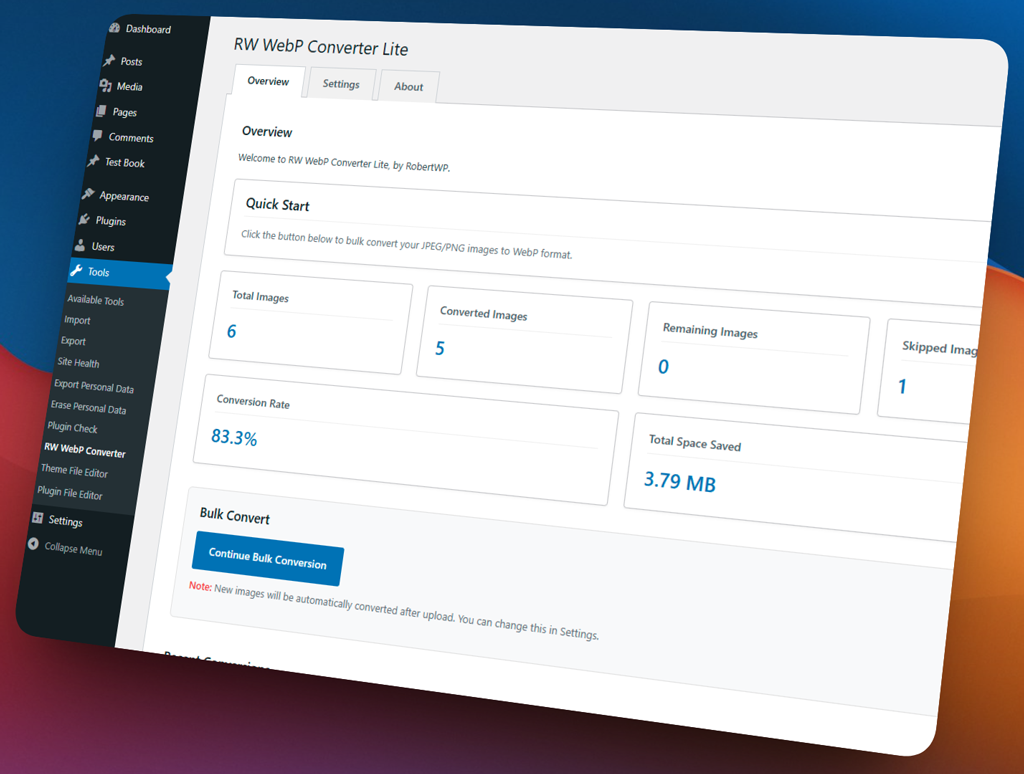
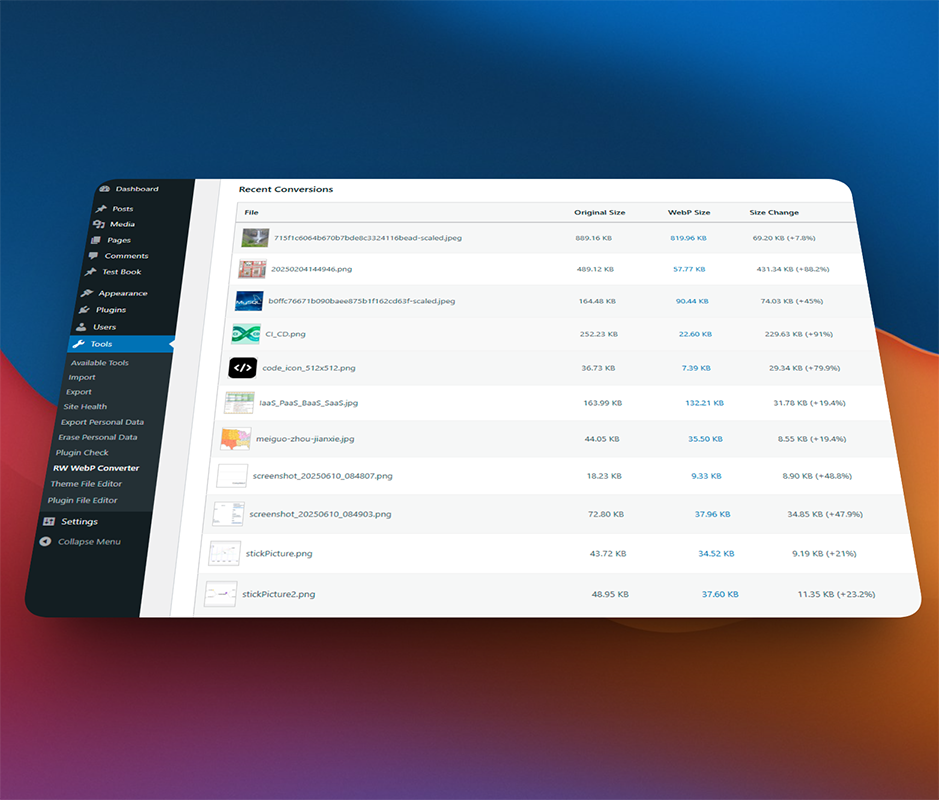
Convert JPG and PNG images to the modern WebP format effortlessly. Reduce file sizes, improve Core Web Vitals, and boost your site’s loading speed without sacrificing image quality.
Don’t waste hours manually resizing images. RW WebP Converter Lite allows you to scan your existing media library and bulk convert all JPG and PNG files to the modern WebP format instantly.
AUTOMATION
Automatically Optimize New Uploads
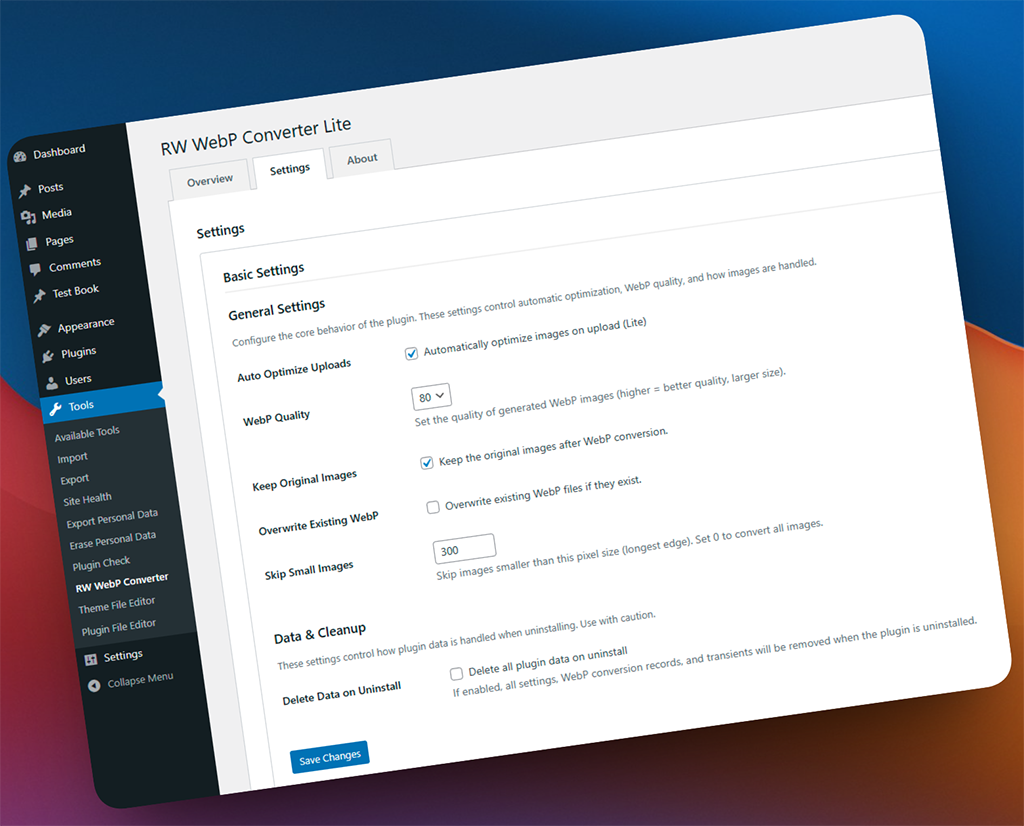
Once enabled, the plugin works silently in the background. Every new image you upload will be automatically converted to WebP, ensuring your site stays fast without you lifting a finger.
FULL CONTROL
Lightweight, Fast, and Completely Optional
We believe in zero bloat. All features are optional and can be toggled on or off from the settings page. Keep your original images intact while serving lighter WebP files to your visitors.
Screenshots
See the plugin in action with 15 captioned screenshots.
Don’t see your question below? Check out our Documentation for detailed guides and tutorials.
1. Will this plugin delete or alter my original images?
No, it will not. RW WebP Converter Lite only generates a new .webp version of your image and serves it to browsers that support the format (which is almost all modern browsers). Your original JPG and PNG files remain completely safe and untouched in your media library.
2. Is it really 100% free?
Yes! RW WebP Converter Lite is a completely free, open-source plugin available on WordPress.org. There are no hidden fees, no locked features, and no required accounts. You can use it on as many sites as you want.
3. Will this plugin slow down my website?
Absolutely not. We built this plugin with performance in mind. It is extremely lightweight, only runs when you upload an image or trigger a bulk conversion, and adds zero noticeable overhead to your site’s loading speed.
4. What happens if I deactivate the plugin?
If you deactivate the plugin, your website will simply revert to serving the original JPG and PNG files. Your site will continue to work perfectly, and all your original images will still be there. You can safely delete the plugin at any time without breaking your site.
5. Do you provide support for this free plugin?
Yes. While priority email support is reserved for our Pro users, you can submit support requests directly in the official WordPress.org support forum. We regularly monitor the forum and will help you troubleshoot any issues.