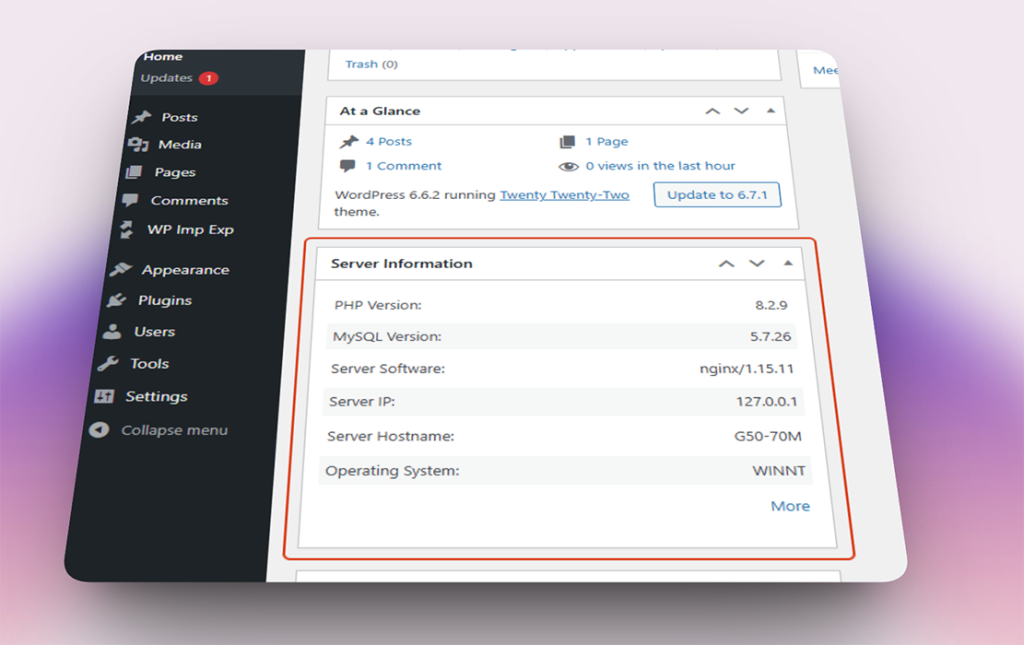
Access detailed operating system, PHP configuration, and database information directly inside your WordPress dashboard. No digging through hosting panels or running phpinfo() scripts required.
Easily check your Operating System, Server IP, PHP Version, Memory Limit, Max Execution Time, and Database details (like Charset and Collation) without leaving your site.
FLEXIBLE DISPLAY
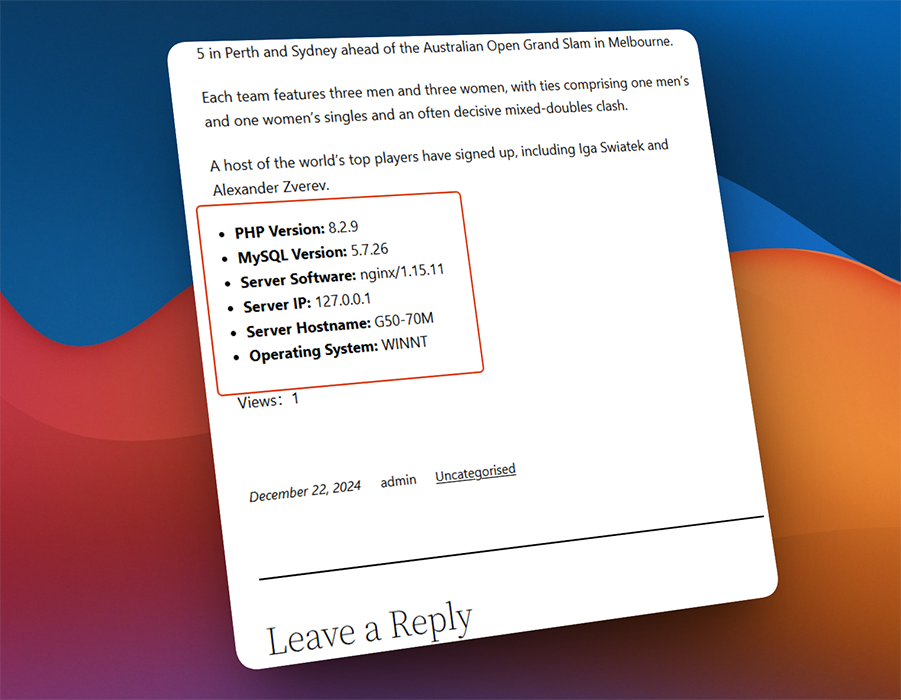
Display Server Info Anywhere with Shortcodes
Need to share your environment details with a developer or support agent? Use the included
PHP Version: 8.3.6
MySQL Version: 8.0.46
Server Software: nginx/1.24.0
Operating System: Linux
shortcode to display server data in any post, page, or widget.
ZERO BLOAT
Lightweight, Fast, and 100% Translatable
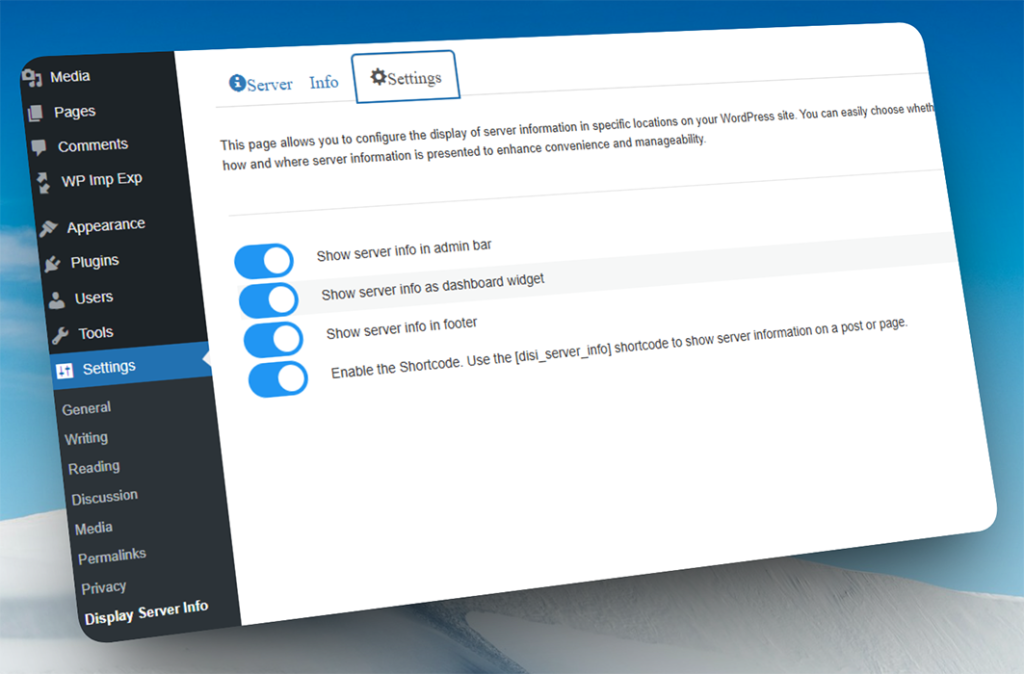
Built for performance, this plugin runs only when needed. It’s fully translated into 7 international languages and includes toggle switches to hide info from the dashboard or footer if you prefer.
Screenshots
See the plugin in action with 15 captioned screenshots.
Don’t see your question below? Check out our Documentation for detailed guides and tutorials.
1. Is it safe to display server information?
Yes. The information displayed (like PHP version or server software) is standard and does not contain sensitive data such as passwords, API keys, or private database credentials. It is completely safe for site administrators to view.
2. Will this information be visible to my visitors?
No. By default, server info is only visible to administrators in the WordPress dashboard and admin bar. You can disable the footer display or admin bar display in the settings at any time.
3. Does this plugin slow down my site?
Absolutely not. The plugin is extremely lightweight and only loads the necessary data when an admin is viewing the page. It has zero impact on your frontend performance.
4. What does the
PHP Version: 8.3.6
MySQL Version: 8.0.46
Server Software: nginx/1.24.0
Operating System: Linux
shortcode do?
It allows you to display the server information table on any post or page. This is especially useful when you need to send your environment details to your hosting provider for troubleshooting.